

Configuration
Obtain a webhook URL
1
Open your Slack app settings
Go to api.slack.com/apps and select your app (or create a new one).
2
Enable Incoming Webhooks
In the left sidebar, click Incoming Webhooks and toggle the feature on.
3
Add a webhook
Click Add New Webhook to Workspace, select the target channel, and click Allow.
4
Copy the URL
Copy the generated webhook URL. It will look like
https://hooks.slack.com/services/....Add to a contact point
1
Open or create a contact point
Go to Alerting → Contact Points and open an existing contact point or create a new one.
2
Add a Slack integration
Click Add Integration and select Slack from the Integration dropdown.
3
Fill in the fields
Enter a Label for this integration and paste the Webhook URL you copied from Slack.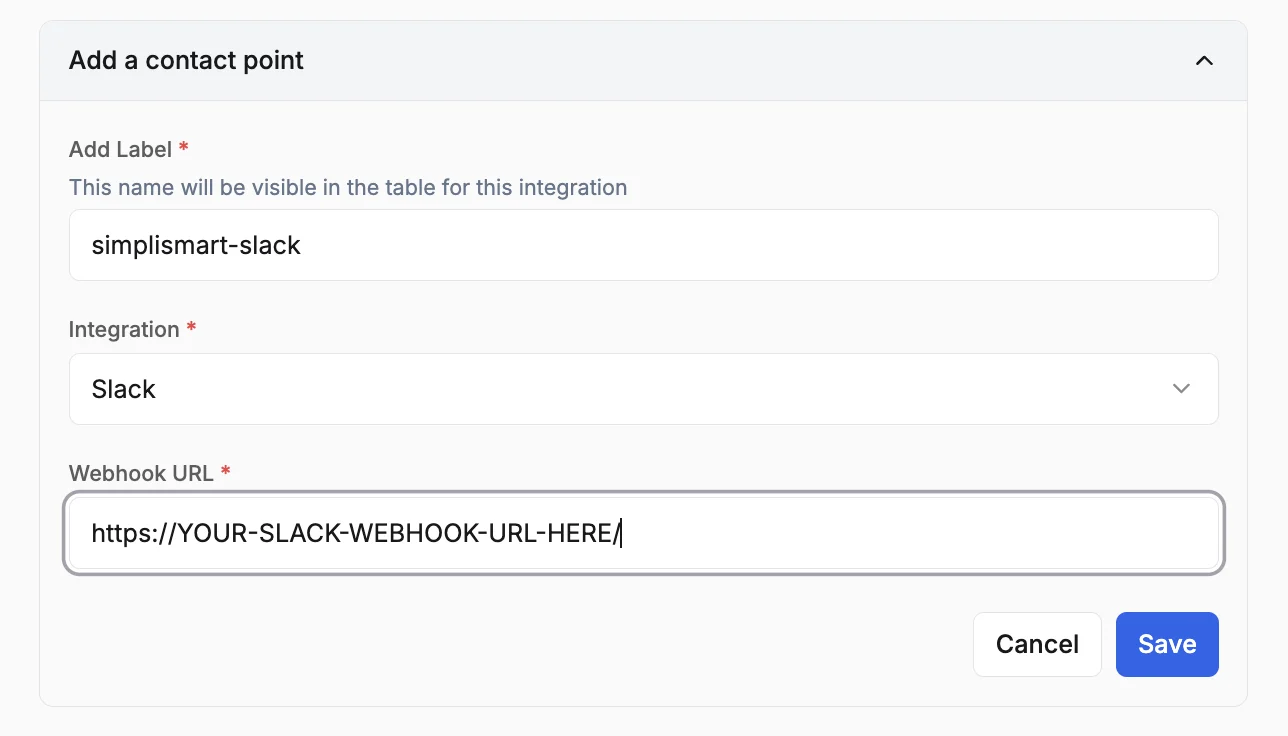
4
Save
Review the configurations and click Save.