> ## Documentation Index
> Fetch the complete documentation index at: https://docs.simplismart.ai/llms.txt
> Use this file to discover all available pages before exploring further.
# Fine-Tuned Inference
> Run inference with the fine-tuned LoRA
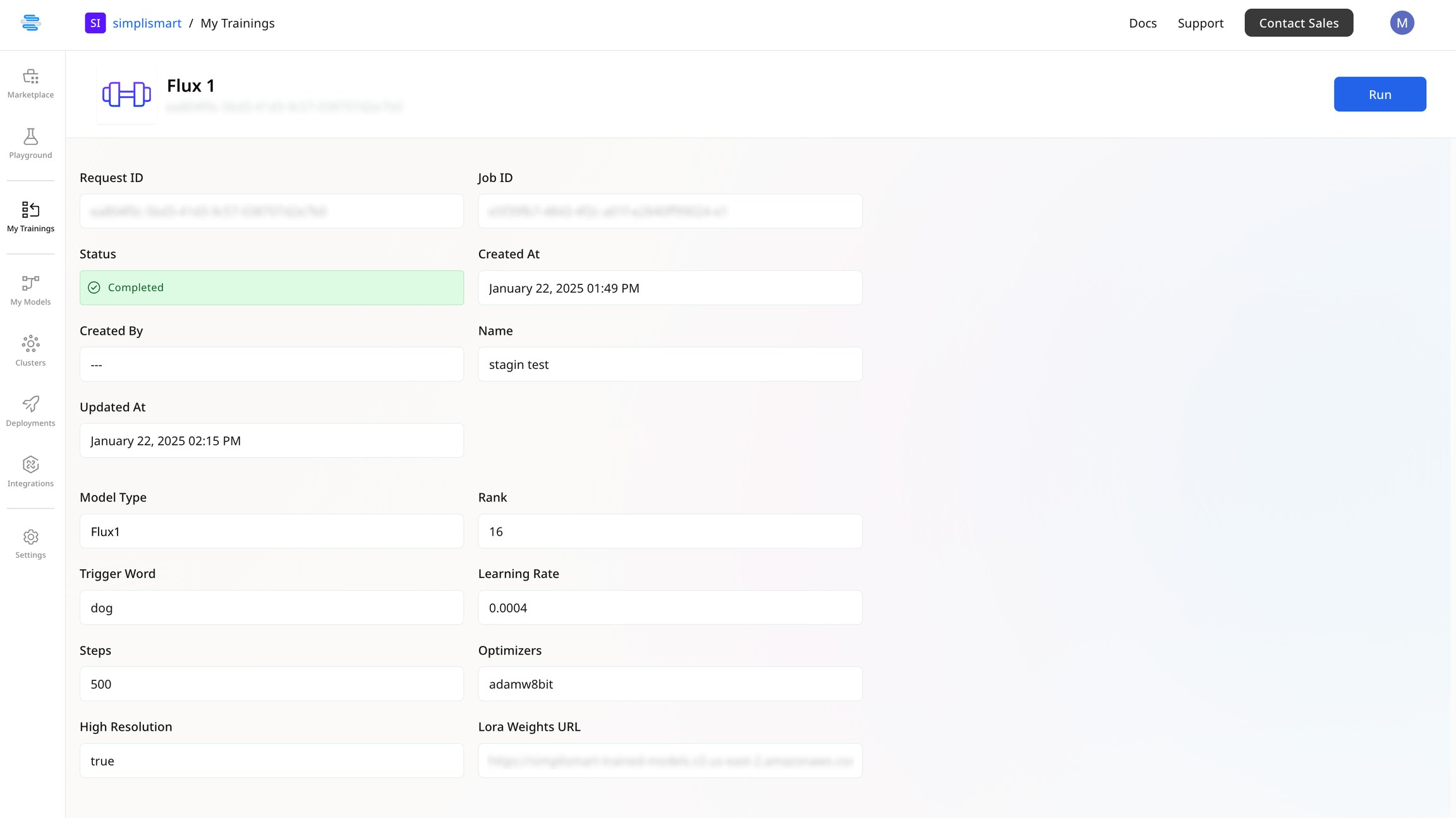
* Once the training job is completed, click on the job to view its details.
* Click on **Run** to start the inference process on the fine-tuned model.
 * You will now be redirected to the playground where the LoRA weights will be populated
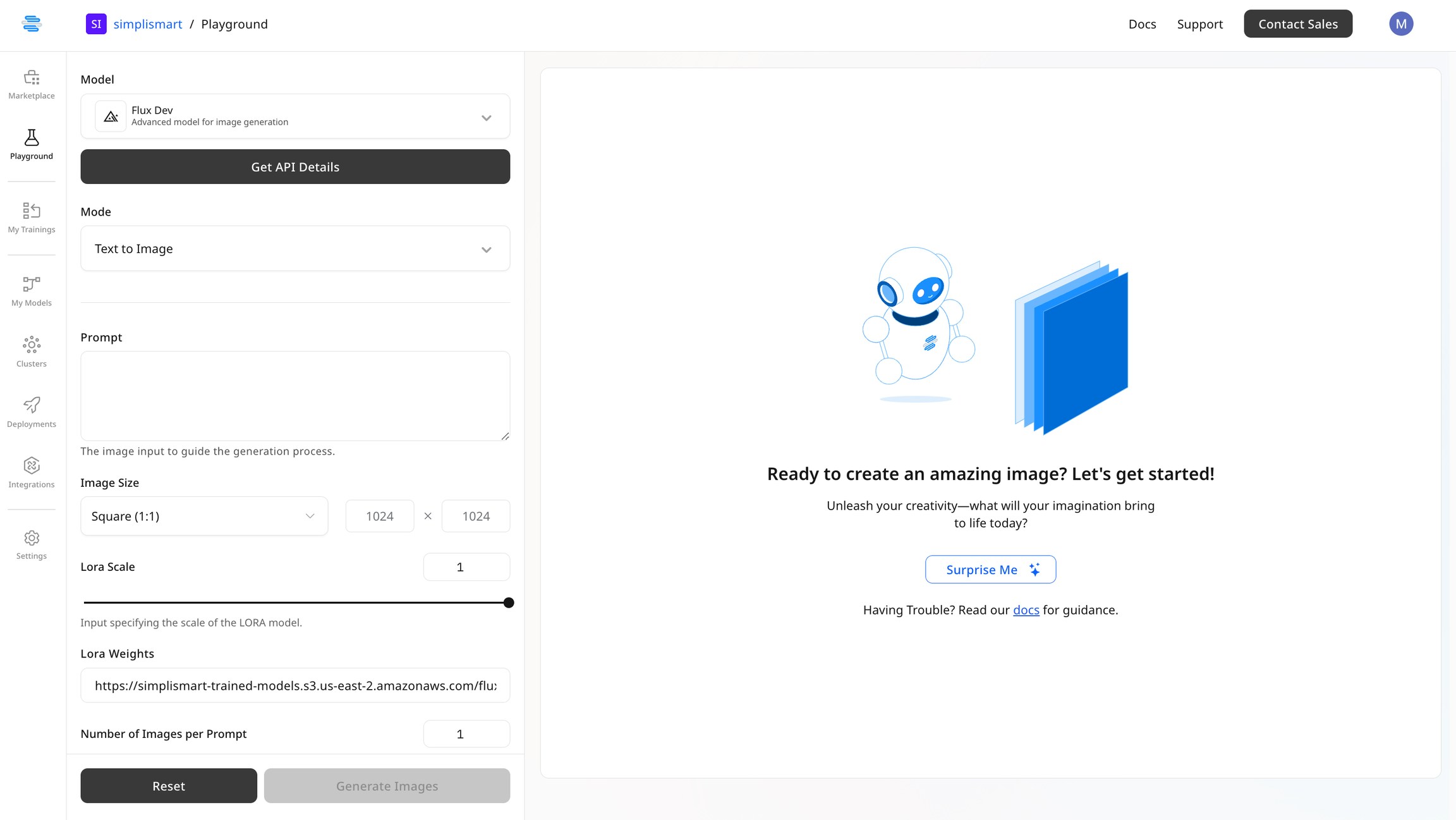 * Provide the necessary details in the input fields, select your preferred specifications, and proceed to generate the images as required.
Make sure the **Trigger Word** is included in the prompt to apply the **LoRA** effect to the generated image.
* Provide the necessary details in the input fields, select your preferred specifications, and proceed to generate the images as required.
Make sure the **Trigger Word** is included in the prompt to apply the **LoRA** effect to the generated image.