> ## Documentation Index
> Fetch the complete documentation index at: https://docs.simplismart.ai/llms.txt
> Use this file to discover all available pages before exploring further.
# Sign Up
> Quickly create an account and unlock full access to the Simplismart platform
Visit the [Simplismart platform](https://app.simplismart.ai/) to begin your registration process.
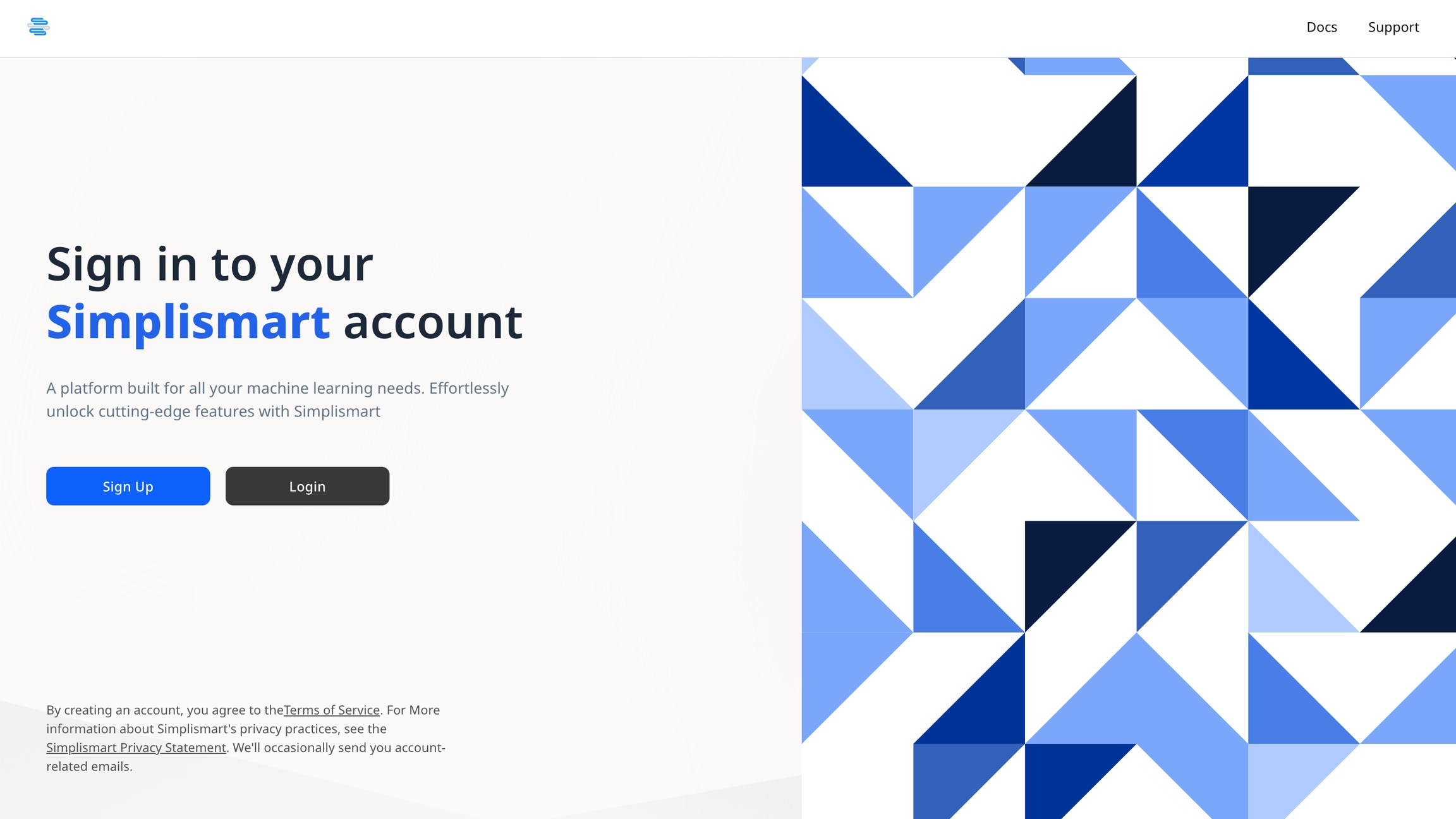
You'll be directed to a Sign in page, where new users can Sign Up.
On the sign-up page, enter your work email address.
We'll send a verification code to this email to ensure account security.
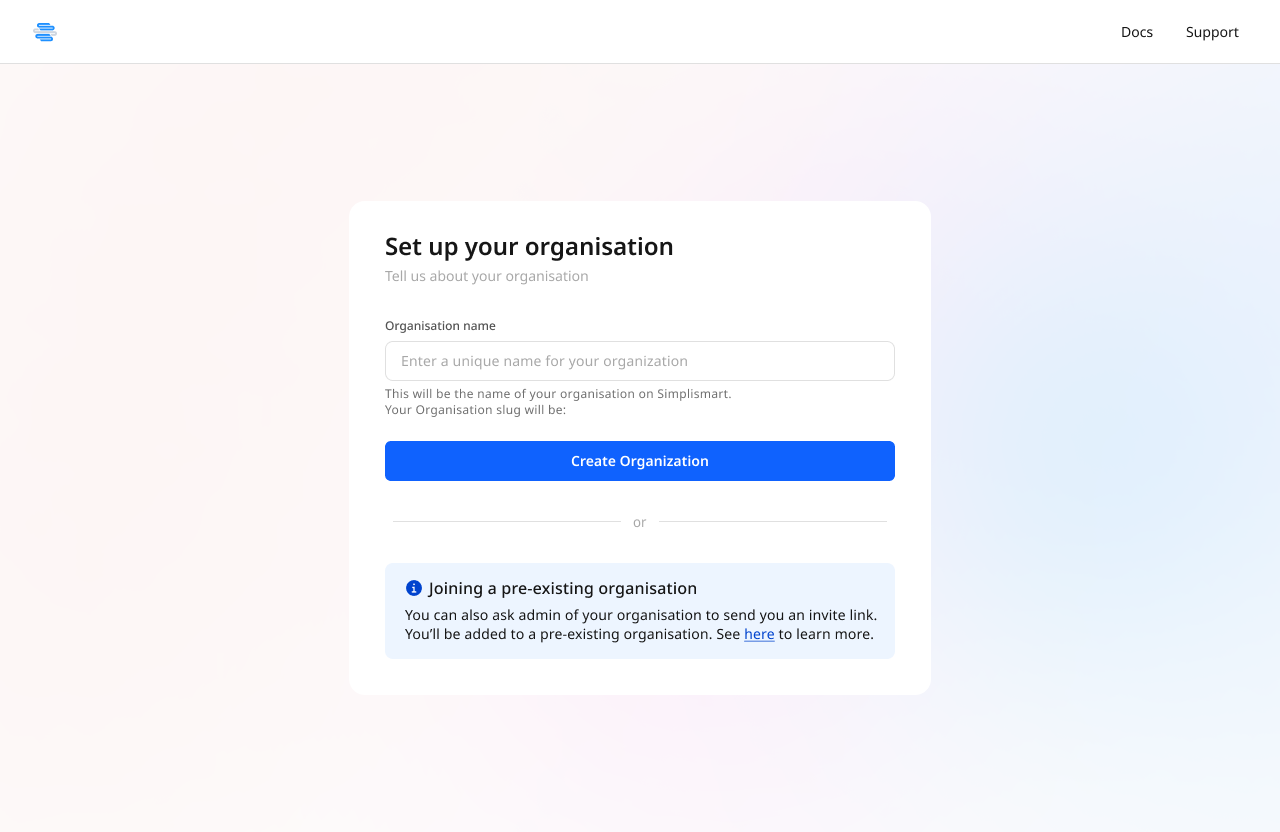
 After email verification, you'll be prompted to set up an organization.
Your organization serves as the container for all your:
* AI model deployments
* Clusters and infrastructure
* Team members and collaborators
* Usage metrics and billing
You can create an organization for individual use, your team, or your entire company.
After email verification, you'll be prompted to set up an organization.
Your organization serves as the container for all your:
* AI model deployments
* Clusters and infrastructure
* Team members and collaborators
* Usage metrics and billing
You can create an organization for individual use, your team, or your entire company.
 ## What's Next?
Once your account is active, you can:
Familiarize yourself with the Simplismart interface and available features
Create API keys to start making inference calls to models
Experiment with pre-deployed models in an interactive environment
Follow our quickstart guide to deploy your first AI model
Need help? Our [support team](mailto:support@simplismart.ai) is available to assist with any questions during the signup process.
## What's Next?
Once your account is active, you can:
Familiarize yourself with the Simplismart interface and available features
Create API keys to start making inference calls to models
Experiment with pre-deployed models in an interactive environment
Follow our quickstart guide to deploy your first AI model
Need help? Our [support team](mailto:support@simplismart.ai) is available to assist with any questions during the signup process.