> ## Documentation Index
> Fetch the complete documentation index at: https://docs.simplismart.ai/llms.txt
> Use this file to discover all available pages before exploring further.
# Sign Up
* Dive into the platform with ease! Follow these steps to get started:
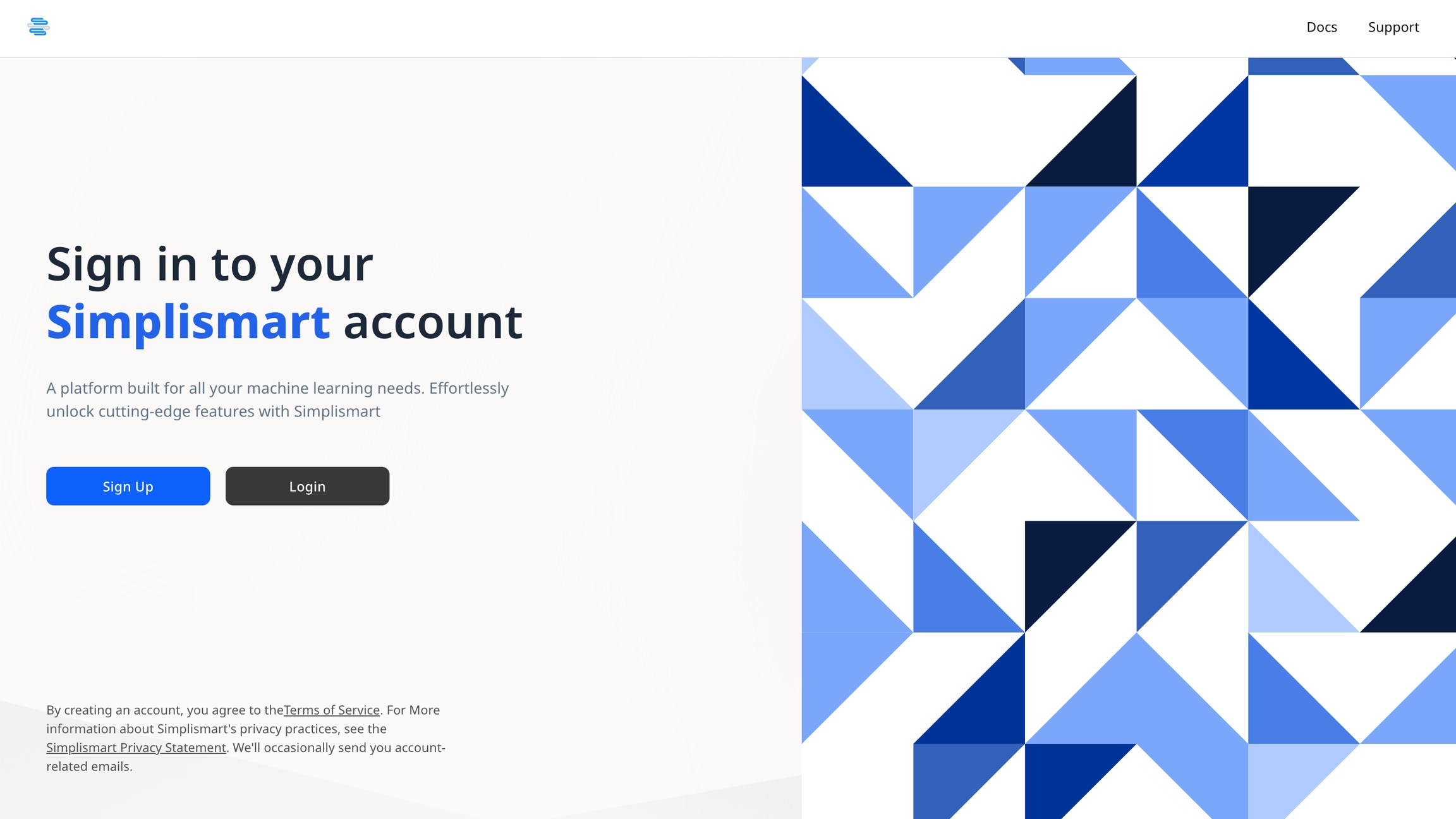
1. **Access the Model Suite:** Click here to access the [model suite](https://app.simplismart.ai/).
2. **Log In:** You will be prompted to log in with your email ID.
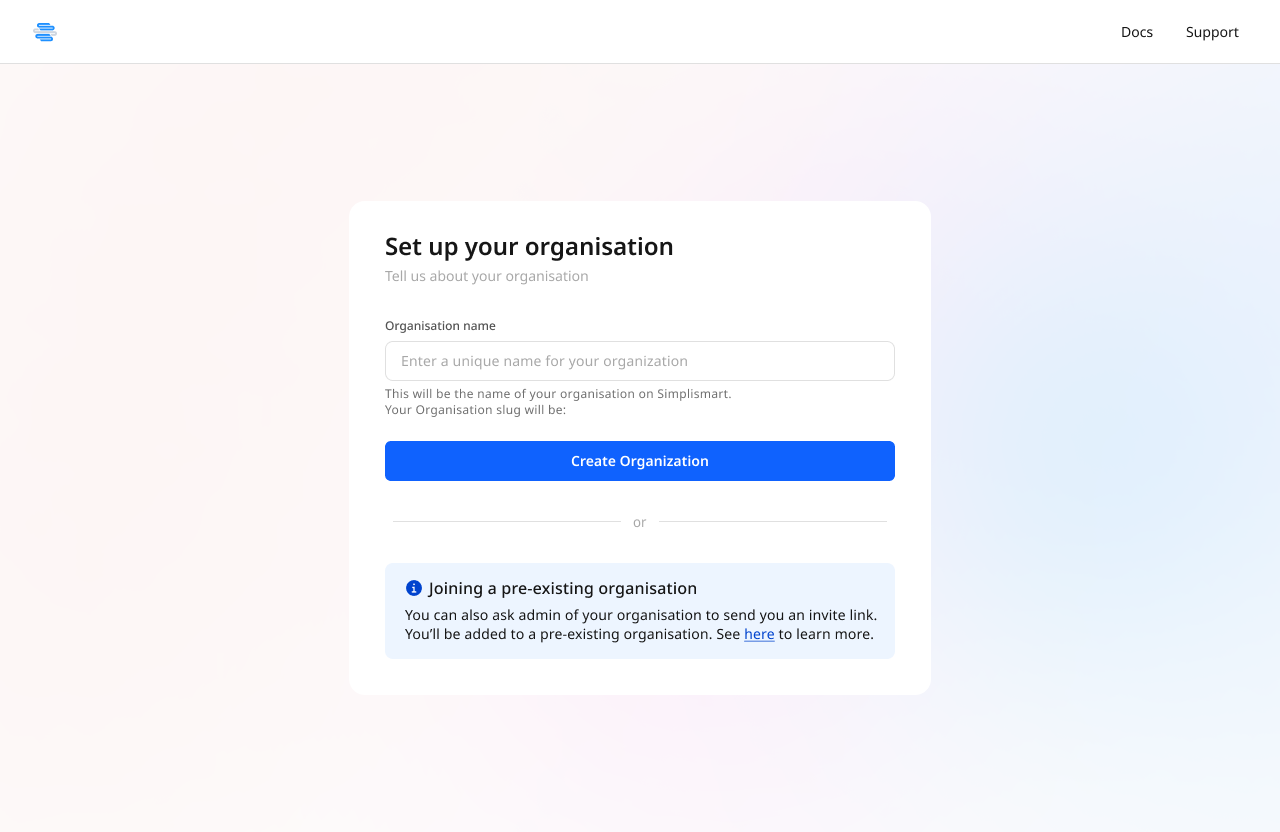
 3. **Set Up an Organization**: Organizations are our way of organising clusters, models, and deployments. Make one for yourself, your team, or your company.
 4. **Registration Complete:** You have now successfully registered yourself onto the model suite.
Explore all the functionalities and make the most of the **Platform!**
4. **Registration Complete:** You have now successfully registered yourself onto the model suite.
Explore all the functionalities and make the most of the **Platform!**