> ## Documentation Index
> Fetch the complete documentation index at: https://docs.simplismart.ai/llms.txt
> Use this file to discover all available pages before exploring further.
# PagerDuty
> Create PagerDuty incidents when Simplismart alerts fire
The PagerDuty integration creates incidents in PagerDuty using the Events API v2 when an alert fires, and resolves them automatically when the alert clears.
## Configuration
| Field | Required | Description |
| ------------------- | -------- | ------------------------------------------------------------------------------------- |
| **Label** | Yes | A display name for this integration, visible in the integrations table |
| **Integration Key** | Yes | PagerDuty Events API v2 integration key |
| **Severity** | No | Incident severity: `critical`, `error`, `warning`, or `info` (defaults to `critical`) |
| **Component** | No | Logical component that is the source of the alert (e.g., `model-deployment`) |
| **Group** | No | Logical grouping of components (e.g., `production`) |
| **Class** | No | Type of event (e.g., `latency`, `errors`, `gpu-utilization`) |
## Obtain an integration key
In PagerDuty, go to **Services** and select the service you want to receive alerts for, or create a new one.
Click the **Integrations** tab → **Add an integration**.
Search for **Events API v2** and click **Add**.
Copy the **Integration Key** shown on the integrations list.
## Add to a contact point
Go to **Alerting** → **Contact Points** and open an existing contact point or create a new one.
Click **Add Integration** and select **PagerDuty** from the **Integration** dropdown.
Enter a **Label** and paste the **Integration Key**. Optionally set the **Severity**, **Component**, **Group**, and **Class** to provide context for the PagerDuty incident.
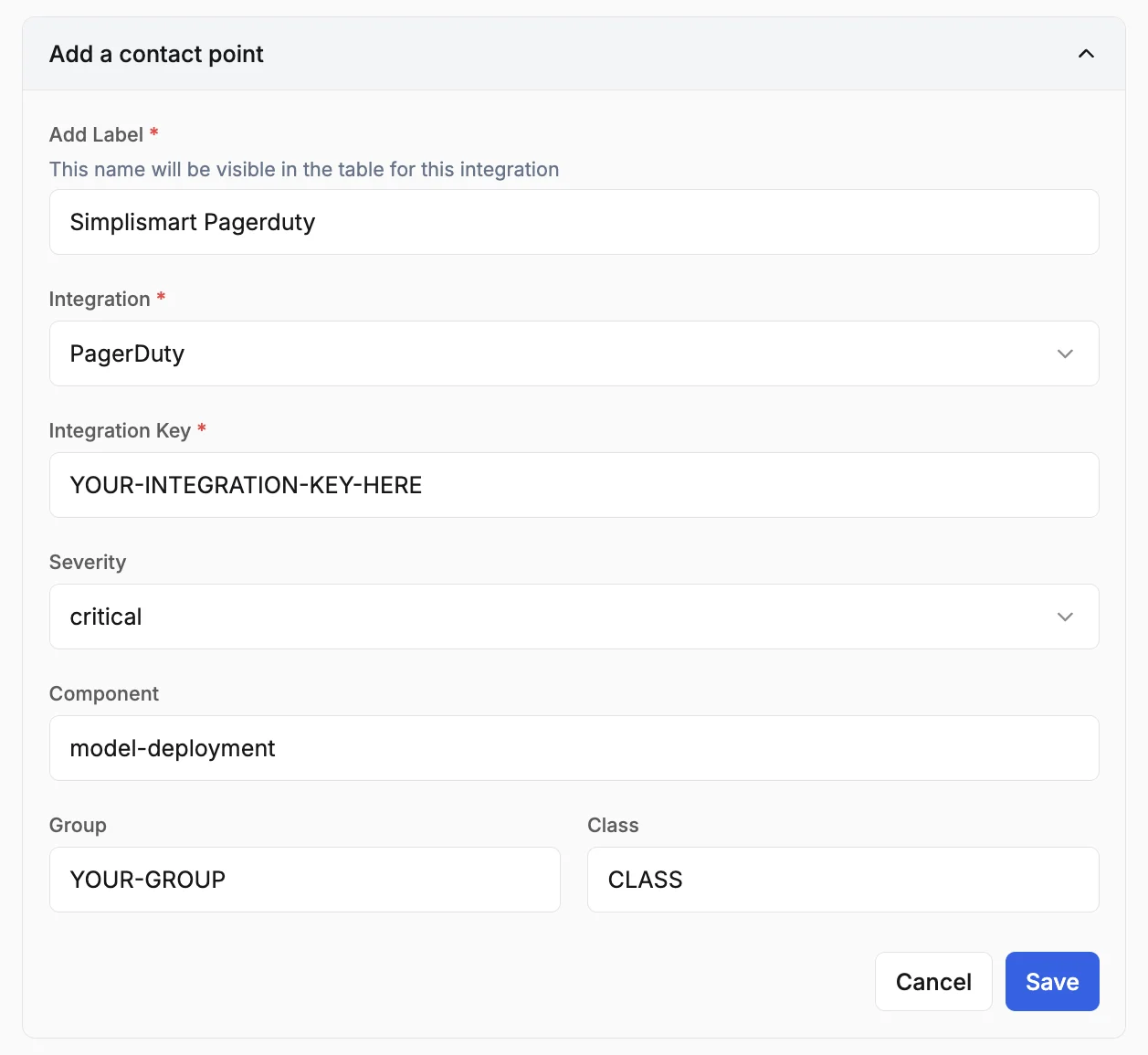 Review the configurations and click **Save**.